Demo For Mobile Robot
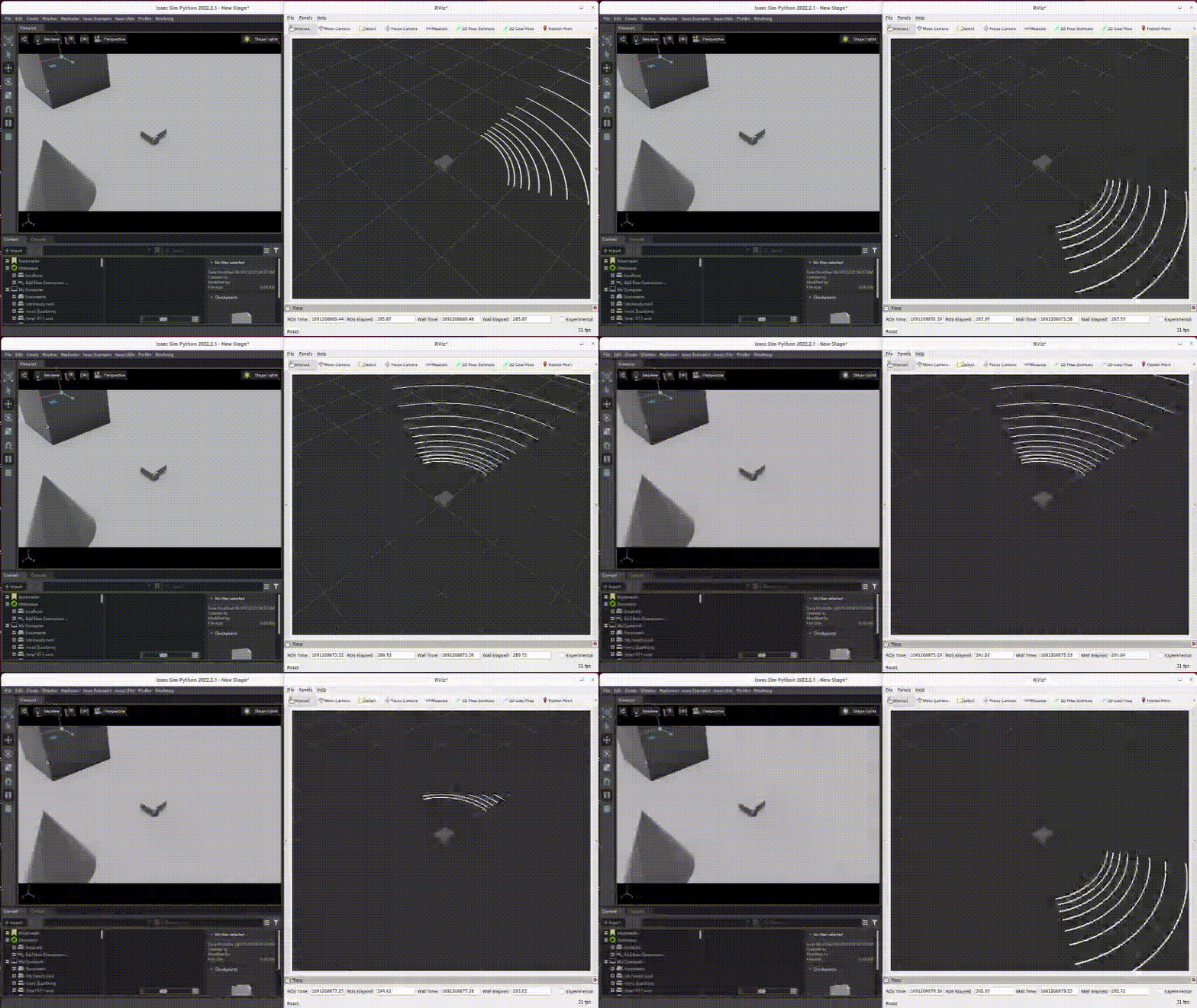
The demo requires an NVIDIA GPU with driver 575 or later (Isaac Sim 6 is built with CUDA 12.9; with older drivers the LiDAR publishes no data).
-
Install Docker and pull Isaac Sim Docker Image (
nvcr.io/nvidia/isaac-sim:6.0.1). -
Clone the repo to your ros2 workspace
bash git clone https://github.com/hijimasa/isaac-ros2-control-sample.git -
Get git submodules
bash cd isaac-ros2-control-sample git submodule update --init --recursive -
Build a docker image with shell script.
bash cd docker ./build_docker_image.sh -
Launch a docker container
bash ./launch_docker.sh -
Build ros2 source codes
bash colcon build && source install/setup.bash -
Launch simulator
bash ros2 run isaac_ros2_scripts launcher -
Spawn robot (another terminal)
bash docker exec -it isaac-sim /bin/bash ros2 launch isaac_diffbot_sim diffbot_spawn.launch.py -
Press the Play button (▶) in the Isaac Sim window to start the simulation.
-
Launch teleop_twist_keyboard (another terminal)
bash
   docker exec -it isaac-sim /bin/bash
   ros2 run teleop_twist_keyboard teleop_twist_keyboard
[!NOTE] For the first time, launching Isaac Sim takes a very long time. Isaac Sim must be fully launched to spawn the robot.