Rig a Legged Robot
Learning Objectives
After completing this tutorial, you will have learned:
- How to set the initial robot position to match a locomotion policy
- How to configure Joint State API and drive APIs
- How to configure joint settings (stiffness, damping, effort limits, armature)
- How to verify the configuration using a validation script
Getting Started
Prerequisites
- Complete Tutorial 3: Articulate a Basic Robot before starting this tutorial.
Estimated Time
Approximately 20-30 minutes.
Overview
In this tutorial, you will learn how to rig a legged robot to match a locomotion policy's configuration specifications, using the H1 humanoid robot as an example. You will set the initial position, configure joints, and verify the setup.
Setting Initial Robot Position
-
Open the H1 USD file.
-
Create the Joint State API.
-
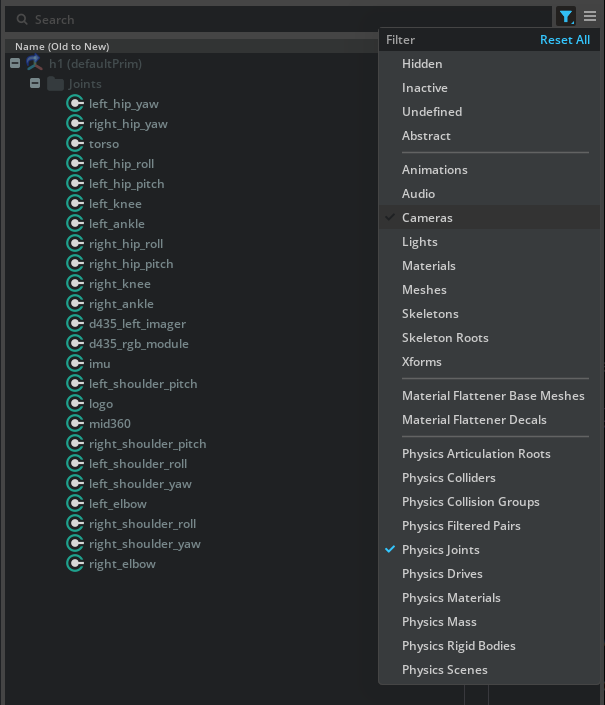
Select and filter joints.
-
Add Physics Joint State Angular and Angular Drive APIs.
-
Set target position and velocity attributes.
-
Convert radians to degrees.
-
Prevent infinite falling with a Fixed Joint.

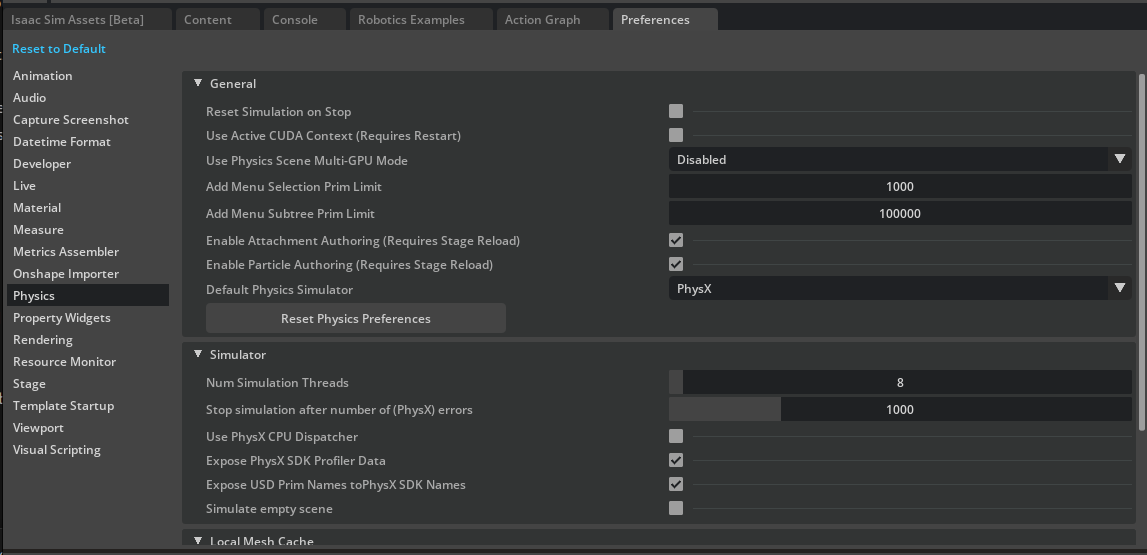
Setting Joint Configuration
-
Configure actuator properties from the environment definition.
-
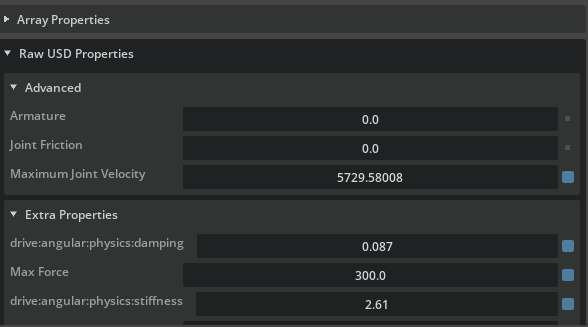
Set stiffness and damping values.
-
Set effort limits.
-
Configure armature and friction.
-
Set maximum joint velocity.
Verifying Joint Configuration
-
Run the verification script in Script Editor.
-
Confirm that output values match the specifications.
Summary
This tutorial covered the following topics:
- Setting the initial robot position
- Configuring Joint State API and drive APIs
- Configuring joint settings (stiffness, damping, effort limits)
- Verifying configuration with a validation script