Tuning Joint Drive Gains
Learning Objectives
After completing this tutorial, you will have learned:
- How to use the Gain Tuner extension
- How to tune position drive gains
- How to tune velocity drive gains
- How to configure velocity limits for industrial robots
- How to save gains to the asset
- How to visualize results
Getting Started
Prerequisites
- Complete Tutorial 7: Configure a Manipulator before starting this tutorial.
Estimated Time
Approximately 15-20 minutes.
Overview
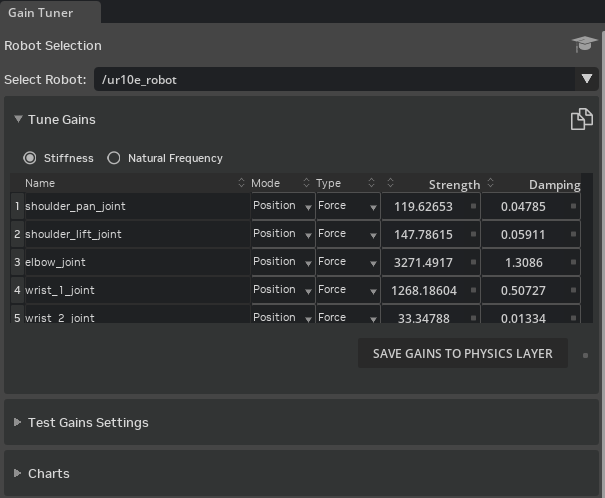
In this tutorial, you will learn how to use the Gain Tuner extension to optimize joint drive parameters on robots. You will master techniques for balancing stability and responsiveness through systematic tuning of position and velocity-driven joints.
Gain Tuning
Position Drive
Tune gains for position (pose) control.
Velocity Limit and Industrial Robots
Learn how to configure velocity limits for industrial robots.
Velocity Drive
Tune gains for velocity control.
Saving Gains to the Asset
Save the tuned gains to the robot asset.
Visualizing Results
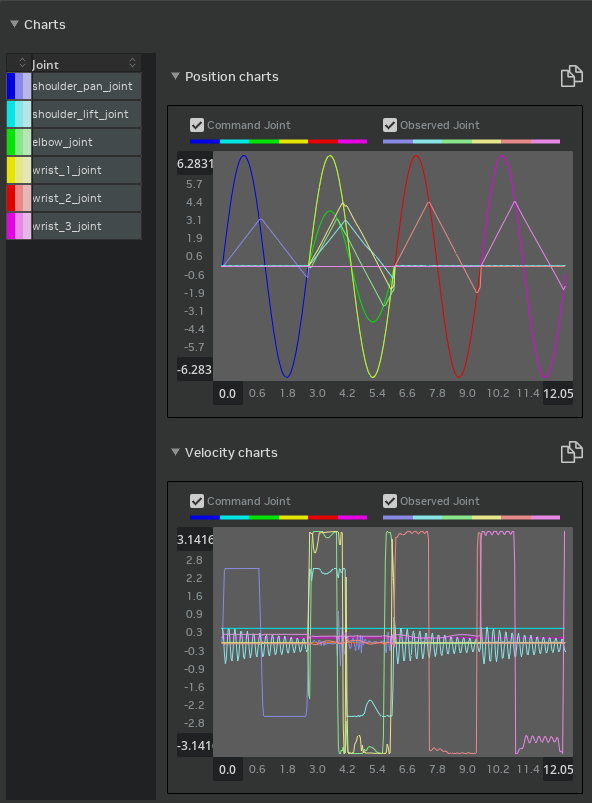
Visualize tuning results with plots.
Summary
This tutorial covered the following topics:
- Using the Gain Tuner extension
- Tuning position drive gains
- Tuning velocity drive gains
- Saving and visualizing gains
Next Steps
Proceed to the next tutorial, "Asset Optimization", to learn performance optimization techniques for robot assets.