Rig Closed-Loop Structures
Learning Objectives
After completing this tutorial, you will have learned:
- How to import a gripper from Onshape
- How to configure closed-loop articulation structures
- How to break articulation loops
- How to add joint drives and mimic joints
- How to configure self-collision
- How to control a gripper with OmniGraph
Getting Started
Prerequisites
- Complete Tutorial 5: Rig a Mobile Robot before starting this tutorial.
Estimated Time
Approximately 20-30 minutes.
Overview
In this tutorial, you will import a Robotiq gripper from Onshape, configure its closed-loop articulation structure, add joint drives with mimic joints, and control the gripper using OmniGraph.
Rigging the Robot
Adjust joints after importing from Onshape.
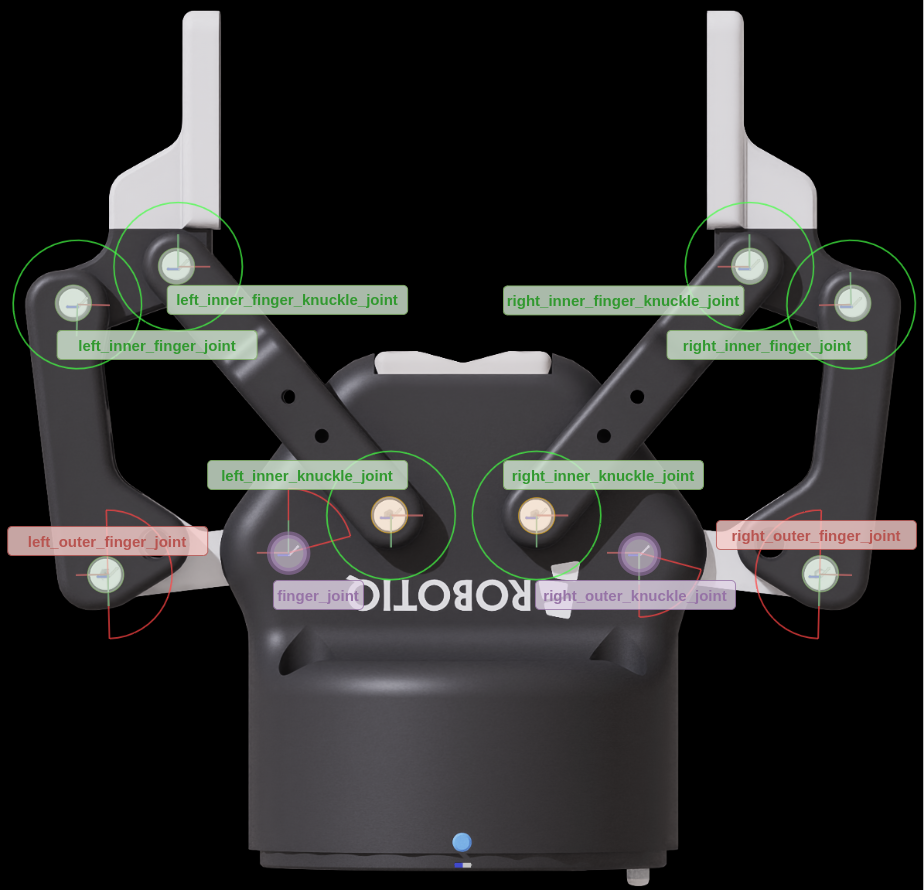
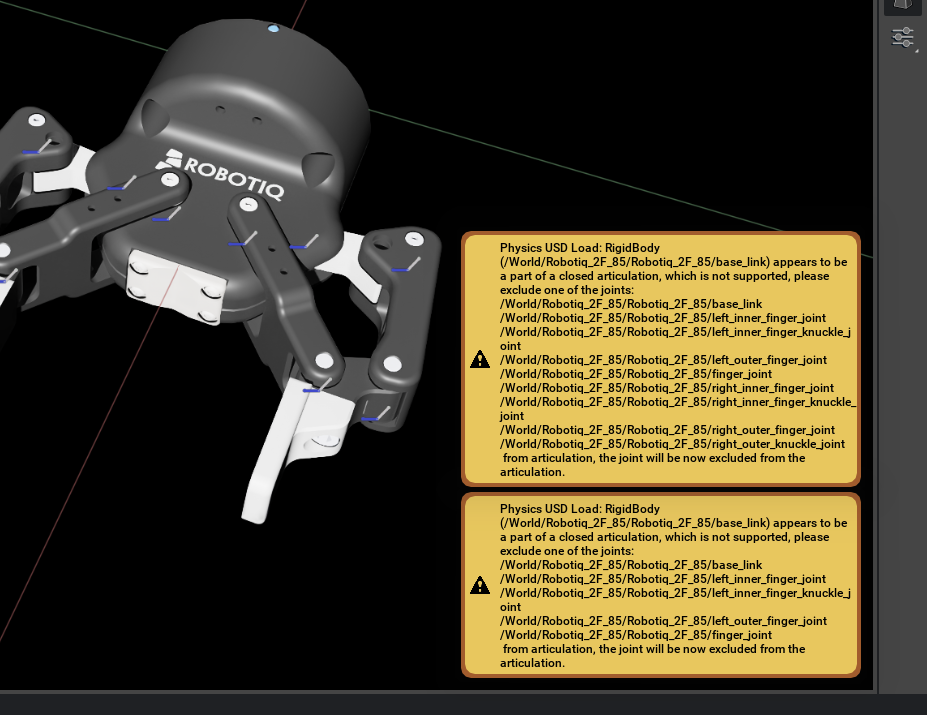
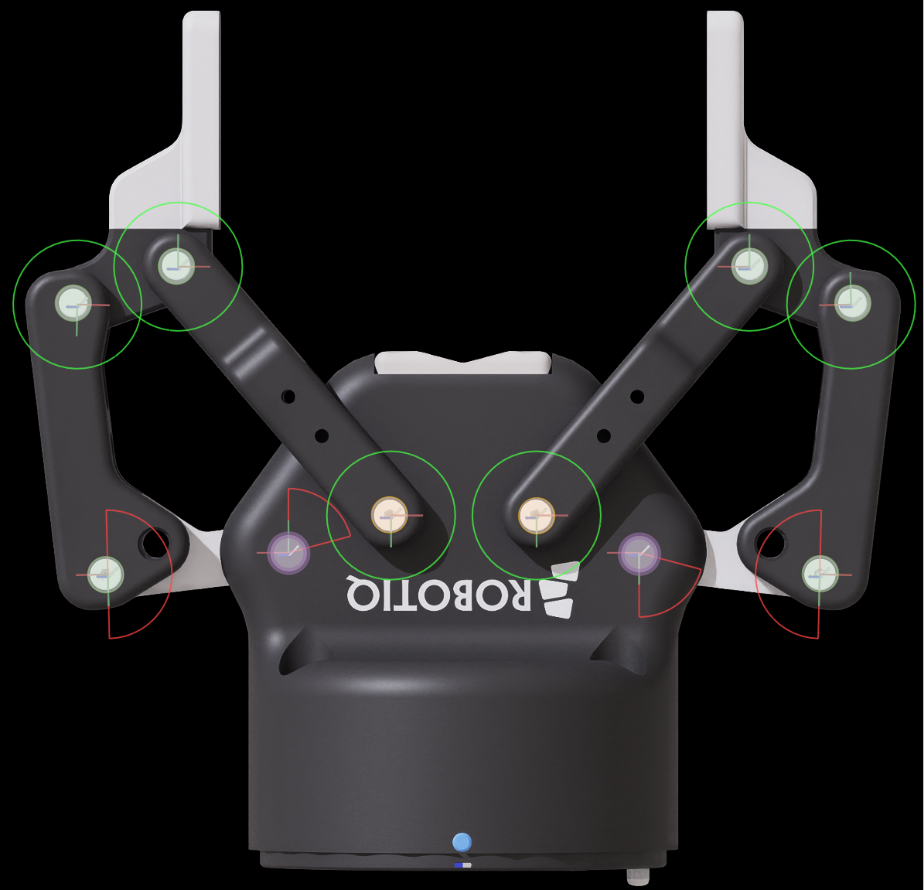
Breaking the Articulation Loop
Convert the closed-loop structure into a form the simulator can process.
Adding Joint Drives
Configure joint drives for actuation.
Adding Mimic Joints
Set up dependent joints as mimic joints.
Collision Meshes and Self-Collision
Configure collision meshes and enable self-collision.
Controlling the Gripper with OmniGraph
Use OmniGraph to control gripper open/close operations.
Summary
This tutorial covered the following topics:
- Importing and configuring closed-loop structures
- Breaking articulation loops
- Adding joint drives and mimic joints
- Configuring self-collision
- Controlling the gripper with OmniGraph
Next Steps
Proceed to the next tutorial, "Tuning Joint Drive Gains", to learn how to optimize joint drive parameters.