Import URDF
Learning Objectives
After completing this tutorial, you will have learned:
- How to import URDF files into Isaac Sim
- How to configure import settings (base type, density, collision properties)
- How to visualize and inspect collision meshes
- How to import URDF programmatically using Python scripts
- How to import URDF from ROS 2 nodes
Getting Started
Prerequisites
- Complete the Quick Tutorials in Isaac Sim.
- Familiarity with the URDF Importer Extension basics.
Estimated Time
Approximately 10-15 minutes.
Overview
In this tutorial, you will learn how to import URDF (Unified Robot Description Format) files into Isaac Sim and convert them to USD format. Three methods are covered: direct GUI import, Python scripting, and ROS 2 node import.
Direct Import via GUI
-
Enable the
isaacsim.asset.importer.urdfextension.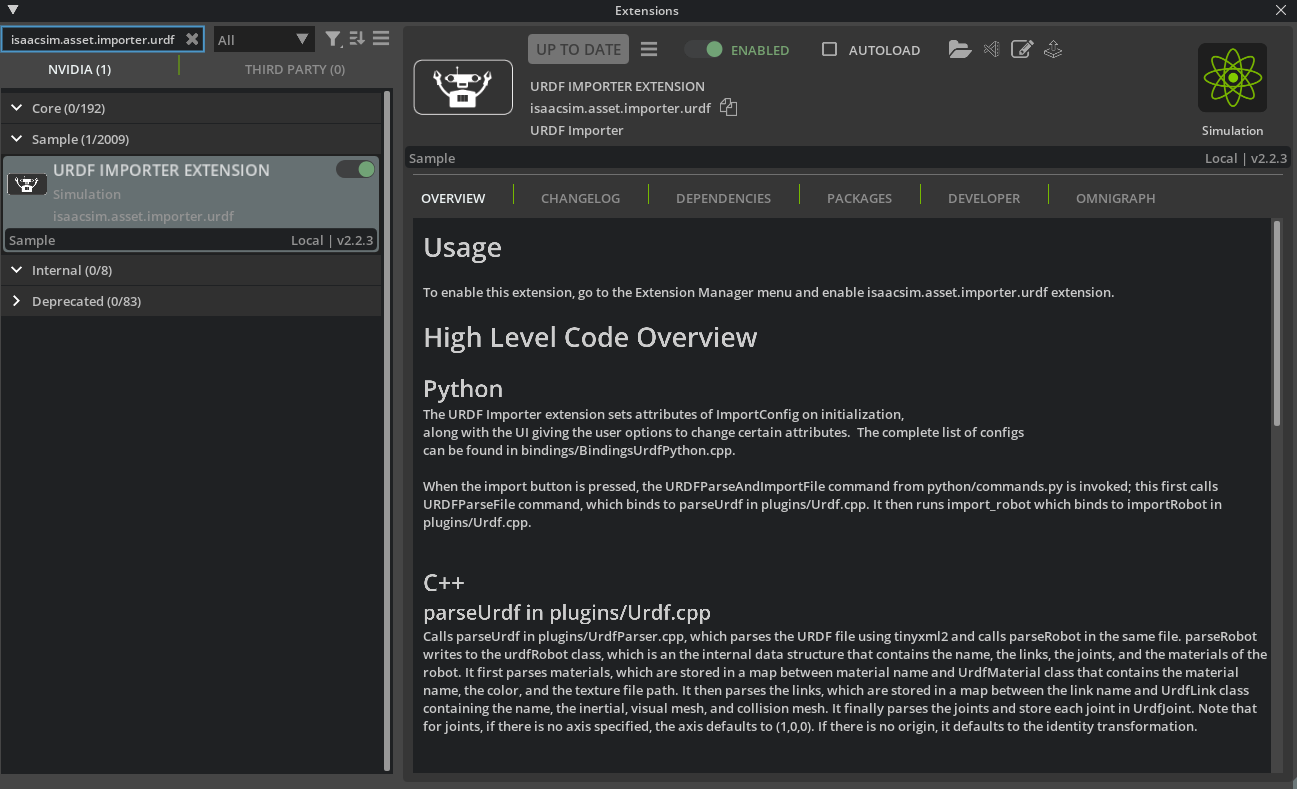
-
Navigate to File > Import and select a URDF file.
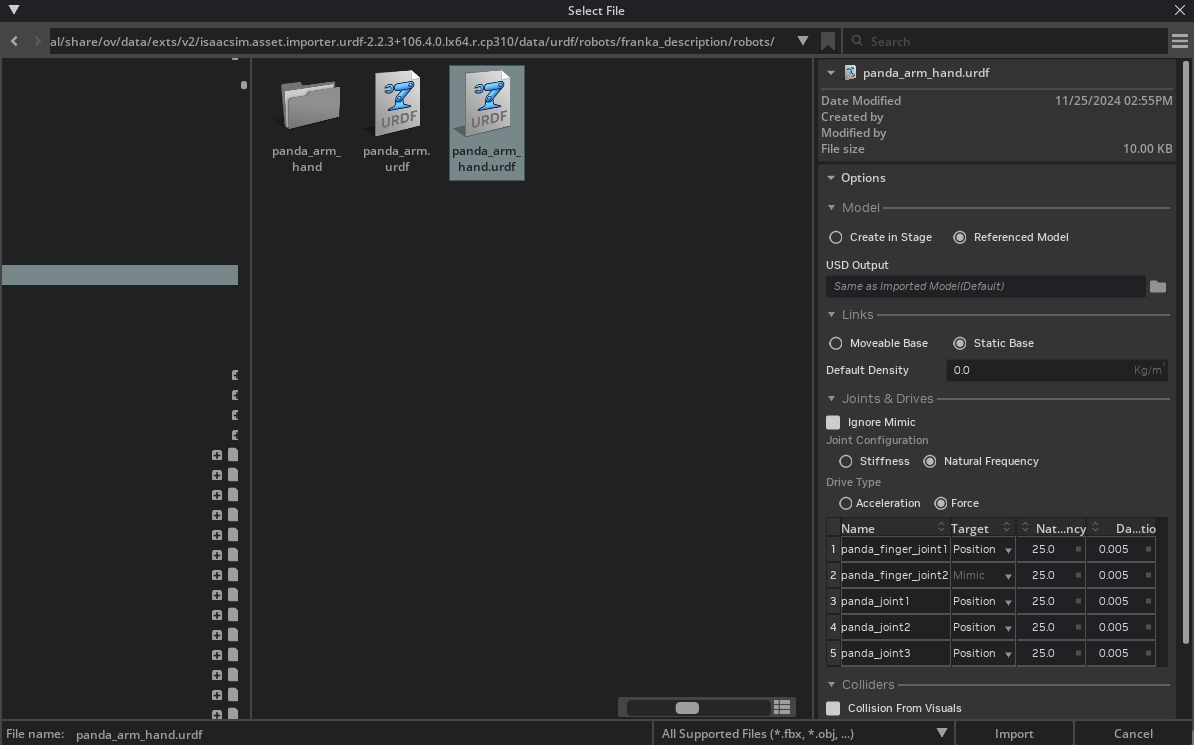
-
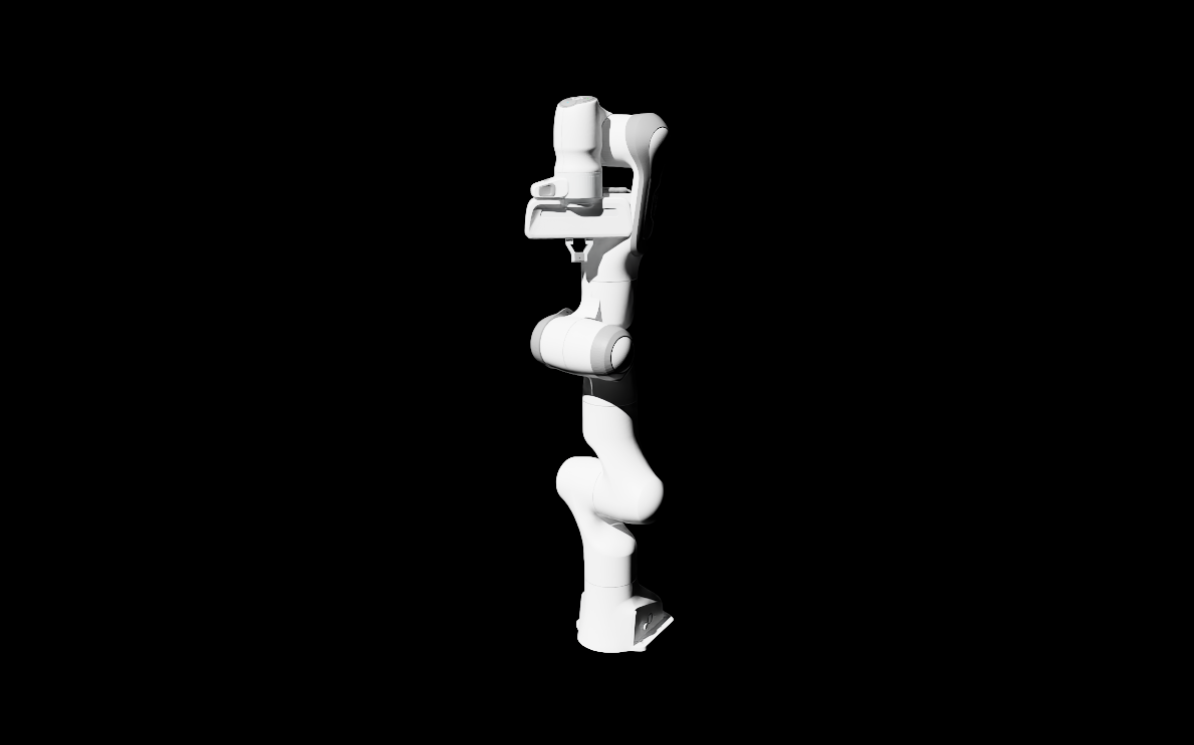
Configure import settings (output location, base type, density, collision properties) and click Import.
Key Settings
| Setting | Description |
|---|---|
| Static Base / Moveable Base | Whether the robot base is fixed or mobile |
| Natural Frequency | Natural frequency for joint stability |
| Self-Collision | Enable/disable self-collision detection |
Visualizing Collision Meshes
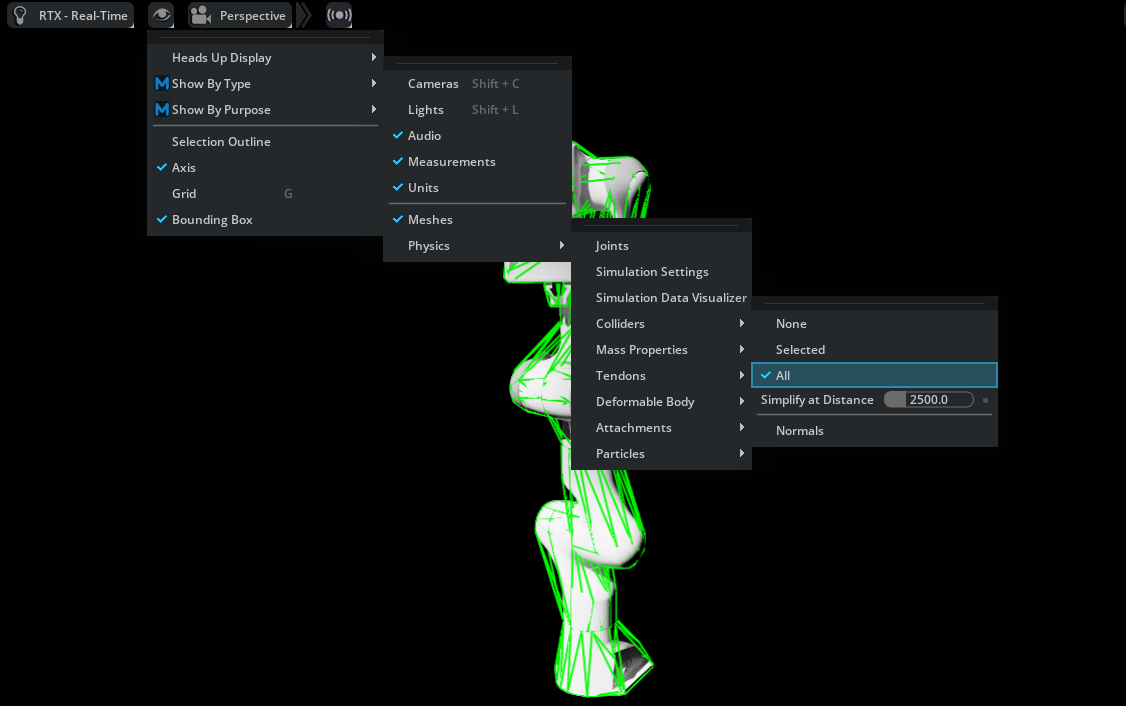
To view collision meshes, click the eye icon in the viewport → Show by type > Physics > Colliders > All.
UI Integration Examples
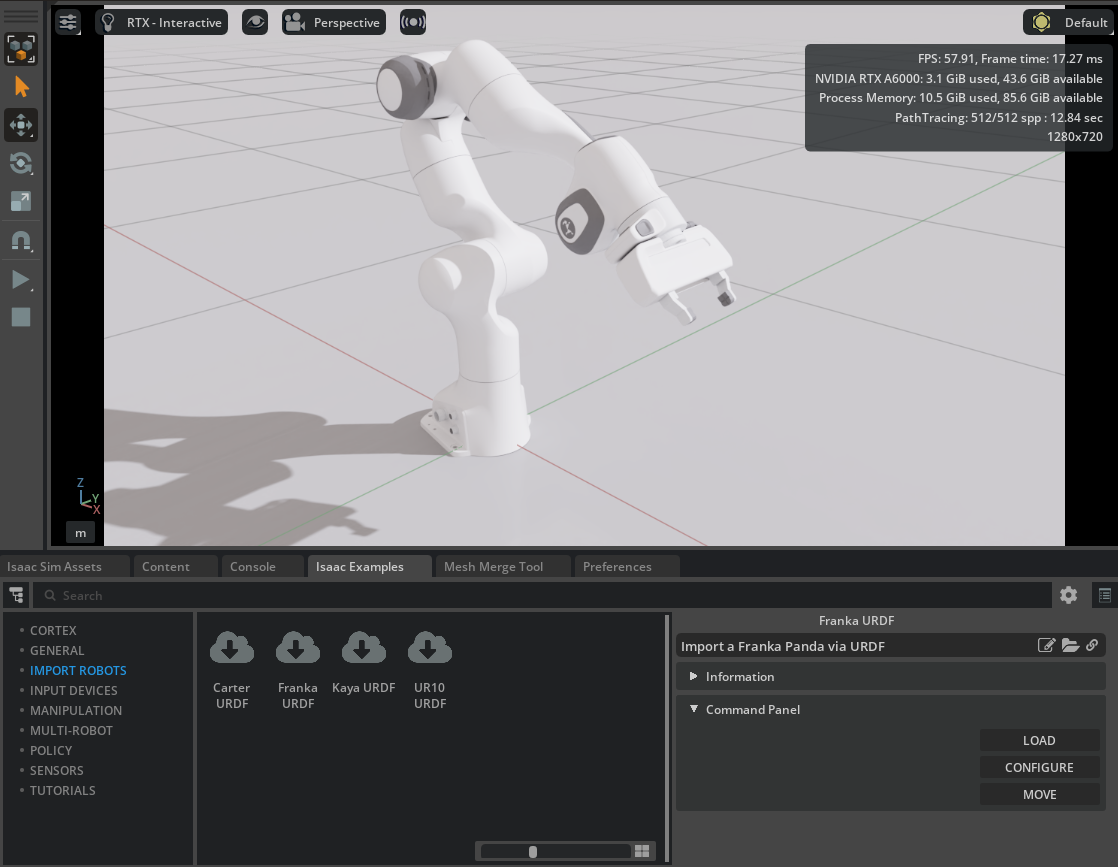
The Robotics Examples tab provides pre-configured examples:
- Nova Carter URDF
- Franka URDF
- Kaya URDF
- UR10 URDF
Python Scripting Import
You can import URDF programmatically using _urdf.acquire_urdf_interface() and ImportConfig().
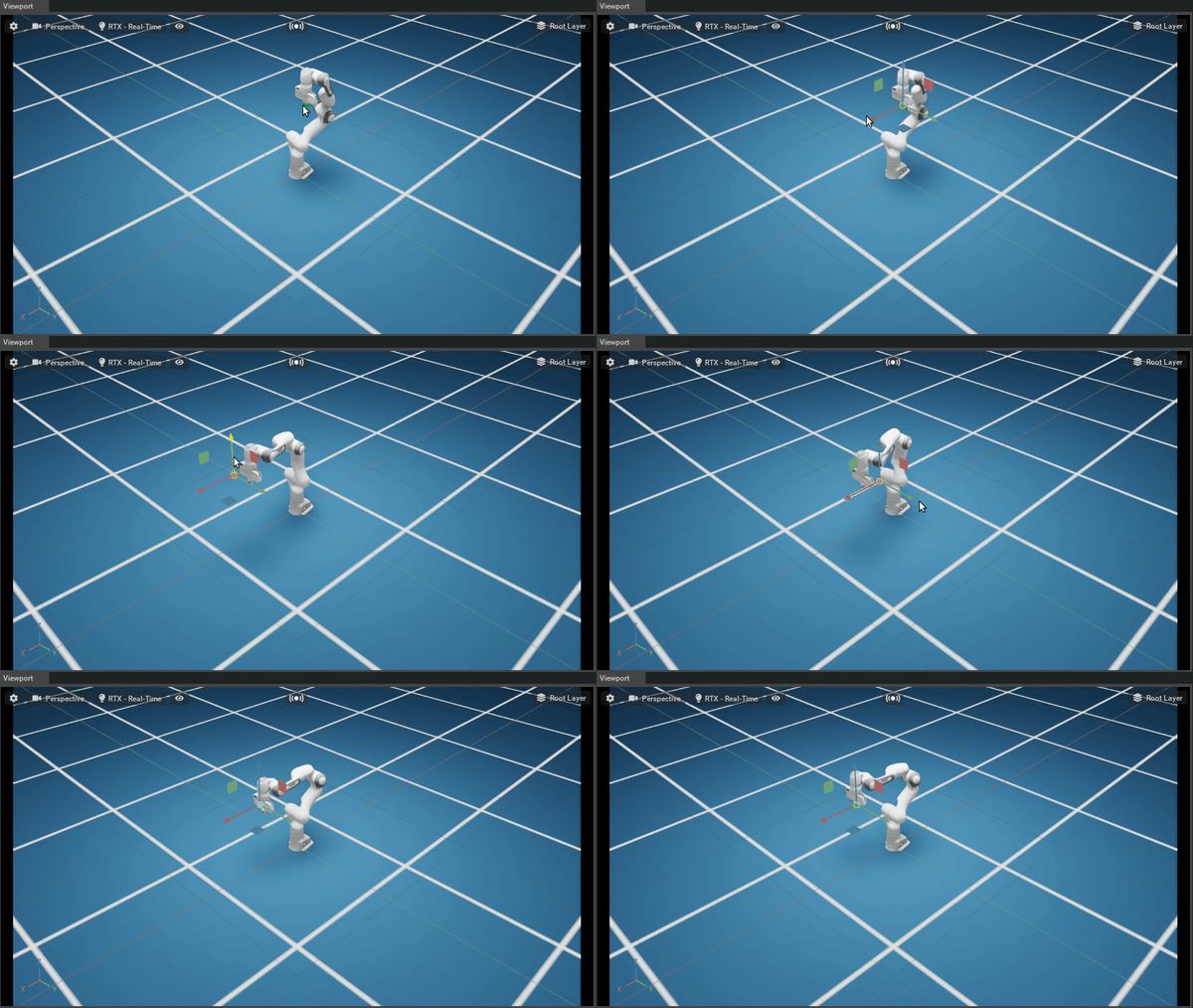
Mobile Robot Configuration
- Use Moveable Base setting
- Set velocity drive for wheels, position drive for steering
- Adjust Joint Drive Strength for damping
Torque-Controlled Robots (Quadrupeds)
- Enable Moveable Base
- Set joint drive type to "None" for torque control
- Configure stiffness/damping parameters
ROS 2 Node Import
On Linux environments, you can import URDF directly from ROS 2 nodes:
- Terminal 1: Launch Transform Publisher
- Terminal 2: Identify node name
- Isaac Sim → File > Import from ROS 2 URDF Node
Summary
This tutorial covered the following topics:
- Direct URDF import via GUI
- Configuring import settings (base type, collision, drives)
- Collision mesh visualization
- Python scripting for programmatic import
- Import from ROS 2 nodes
Next Steps
- Tutorial 2: Export URDF - Learn how to convert USD to URDF format.